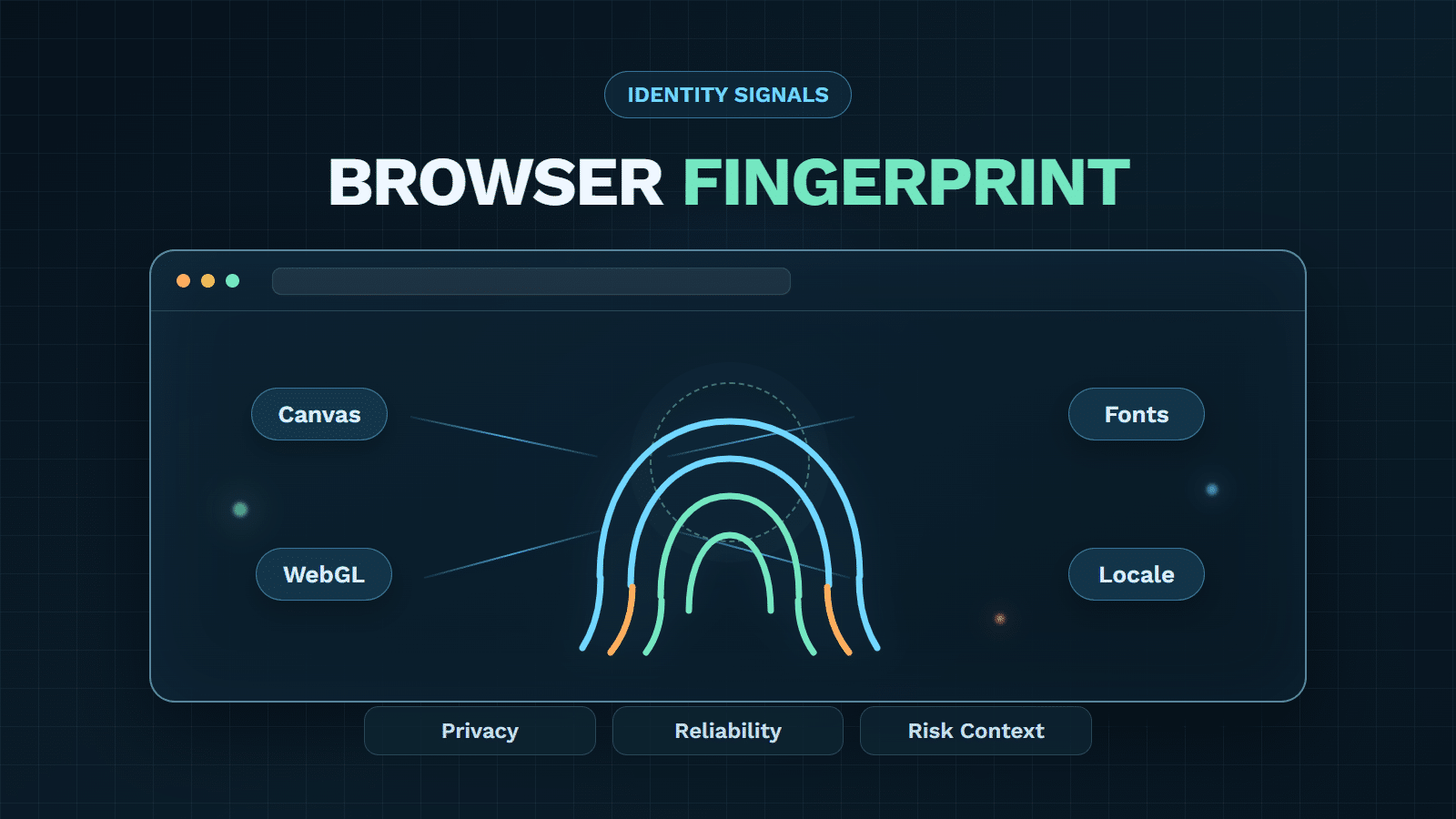

A website does not need a cookie to observe that one visit looks similar to another. Browsers reveal a changing set of technical characteristics so pages can render, media can play, and security controls can evaluate requests. Combined, those characteristics form a browser fingerprint: a probabilistic description of a browser environment.
That description can support abuse prevention, but it can also enable tracking that users do not expect. The difference is not the signal alone. Purpose, collection scope, retention, sharing, decision policy, and the availability of a recovery path all matter. For security teams, the practical question is therefore not whether a fingerprint is “unique.” It is how much confidence the evidence deserves, what else corroborates it, and which response is proportionate.
What a Browser Fingerprint Can—and Cannot—Identify
A browser fingerprint is a collection of observable browser and environment attributes combined into a profile or identifier. It may help a service recognize that two sessions appear technically similar even when a cookie is absent or has been cleared.
It does not automatically reveal a person’s verified name, prove that the same human is present, or guarantee that two matching observations came from one physical device. Multiple users may share a managed environment. One user may change browsers, update software, install fonts, switch networks, or use privacy features that alter the visible profile. Attackers may deliberately imitate a common setup or present inconsistent values.
That boundary separates this topic from broader device fingerprinting, which can combine browser evidence with device, network, app, historical, and risk context. A browser fingerprint is best treated as one evidence layer—not a civil identity and not a verdict.
How Browser Fingerprints Relate to Device Fingerprinting
A browser fingerprint is one browser-level input to broader device fingerprinting, not the complete device fingerprint. Device fingerprinting can combine it with device, network, app, account, behavior, and history signals; a browser fingerprint alone does not prove the same device or person.
Three qualities determine how useful it is:
- Distinctiveness: How uncommon is this combination among the service’s relevant traffic?
- Stability: How consistently does the profile reappear as legitimate software and settings change?
- Integrity: Do the values agree with one another, or do they suggest spoofing, automation, or instrumentation?
Security value comes from the balance. An extremely distinctive profile may be short-lived. A stable profile may be shared by many devices. A suspicious inconsistency may justify more observation without justifying an immediate block.
Which Signals Build a Browser Fingerprint
Browsers expose signals through ordinary requests, JavaScript-accessible interfaces, rendering behavior, and the surrounding connection. Implementations differ, but a useful taxonomy separates what is observed from what is inferred.
| Signal family | Common examples | What can change it | Main caution |
|---|---|---|---|
| Request and locale | User-Agent or client hints, accepted languages, timezone, preferred formats | Browser updates, privacy settings, travel, system configuration | Common values provide little distinction alone |
| Rendering | Canvas output, WebGL renderer, color and graphics behavior | GPU, driver, OS, browser, privacy defenses | Output may drift or be deliberately normalized |
| Media and fonts | Available fonts, text measurements, audio processing, media capabilities | Installed software, font packs, browser policy | Active probing increases privacy sensitivity |
| Runtime and hardware hints | Screen dimensions, pixel ratio, touch support, memory or concurrency hints | Window size, device class, permission policy | Values can be reduced, rounded, or spoofed |
| Network and transport context | IP traits, HTTP behavior, TLS characteristics | VPNs, proxies, mobile networks, CDNs, client libraries | Network evidence may describe infrastructure rather than a person |
| Consistency and change | Conflicting attributes, unusual combinations, rapid profile rotation | Legitimate upgrades, automation, anti-detect tools | An anomaly needs corroboration before enforcement |
Passive signals arrive as part of normal communication; active signals require code to query or render something. That distinction matters for privacy review, but “passive” does not mean harmless. A collection of ordinary attributes can still become identifying when combined.
The most defensible systems also retain uncertainty. They record which observations contributed to a result, distinguish missing data from suspicious data, and expect profiles to change. Hashing the attributes can reduce direct exposure in some designs, but it does not remove the privacy implications of a persistent identifier.
How Fingerprints Differ From Cookies and Device IDs
Cookies, IP addresses, account IDs, browser fingerprints, and device intelligence can all connect events, but they answer different questions. Treating them as interchangeable leads to brittle controls and misleading privacy descriptions.
| Evidence | How it is obtained | Typical persistence | What it can support | Important limitation |
|---|---|---|---|---|
| Cookie | Stored by the browser for a site | Until expiry, deletion, or policy restriction | Session state, preferences, first-party recognition | Users or browsers can clear or restrict it |
| IP address | Observed from the connection | Variable | Network reputation, rough location, velocity context | Shared, reassigned, proxied, or mobile IPs are common |
| Browser fingerprint | Derived from browser-visible attributes | Probabilistic and changeable | Session linking, anomaly detection, abuse investigation | Collisions, drift, normalization, and spoofing reduce confidence |
| Account ID | Created through login or account flow | Often durable within one service | Account history and authenticated decisions | Accounts can be shared, stolen, or mass-created |
| Device intelligence | Combines identifiers with device, network, behavior, and history | Depends on architecture and signals | Broader device-risk assessment and policy input | Still requires governance, validation, and a response layer |
A cookie says, “this browser returned a value we stored.” A browser fingerprint says, “this environment resembles a prior observation.” An account ID says, “the user presented these credentials.” None of those statements proves who is physically operating the device.
This is also why cookie clearing does not necessarily make a visit unrelated to every earlier event. A service may still observe a similar environment. Conversely, a changed fingerprint does not prove a new user: a browser update, new display, privacy feature, or remote-work setup may explain the difference.
Where Fingerprints Help Security—and Create Privacy Risk
The same technical signal can serve very different purposes. A first-party service may use it to notice rapid account creation or a risky login. A tracker may use it to follow activity across unrelated contexts. Responsible use starts by naming the purpose before selecting the data.
1. Legitimate security uses need proportional responses
Browser evidence can help detect automated sign-ups, credential abuse, payment fraud, promotion abuse, account sharing, and bots that rotate cookies. It can also reveal contradictions—for example, a claimed browser profile that does not behave like the environment it describes.
These signals are most useful for prioritization. A low-confidence change may only warrant monitoring. A cluster of unusual device, network, account, and velocity evidence may justify rate limiting, review, or step-up verification. The broader set of device fingerprinting security applications illustrates why the decision should follow the risk, not the presence of one attribute.
2. Privacy risk depends on purpose and data lifecycle
Fingerprinting becomes more intrusive when it is opaque, persistent, cross-context, difficult to reset, or broader than the stated purpose. The W3C fingerprinting guidance frames identifiability as a design concern for web features, including both active collection and combinations of passive information.
For an enterprise deployment, review at least:
- whether the stated purpose actually requires each signal;
- when collection begins and what user notice or authorization applies;
- how identifiers, raw attributes, and risk results are retained;
- who can access them and whether they are shared across contexts;
- how users can exercise applicable rights or recover from a wrong decision; and
- which teams own privacy, security, legal, and operational approval.
Those questions are governance controls, not a promise of legal compliance. Requirements vary by jurisdiction, data flow, role, and implementation.
Why Spoofing and Privacy Defenses Change Reliability
Fingerprint reliability is not fixed. It changes with the population being measured, browser behavior, collection technique, and the incentives of the visitor.
1. Privacy defenses can reduce or reshape exposure
Browsers may restrict APIs, reduce precision, standardize values, partition state, or add resistance to known collection techniques. Extensions and privacy tools can block scripts or modify what they reveal. The EFF’s Cover Your Tracks project is a useful way to understand how combinations of characteristics affect exposure, but a test result should not be read as a permanent identity score for every website.
Private or incognito mode mainly changes local history and storage behavior. It does not guarantee that all network, rendering, locale, or runtime characteristics become identical to everyone else’s. On the other hand, aggressive randomization can itself create instability, so repeated sessions may no longer match even when the human and device are unchanged.
2. Attackers can imitate consistency—or manufacture change
Anti-detect browsers and automation frameworks may alter User-Agent values, canvas output, WebGL data, screen properties, or timezone. The harder problem is not changing one field; it is maintaining a coherent environment across many fields and actions. A profile claiming one platform while producing incompatible rendering, transport, or behavioral evidence may be more informative than any single spoofed value.
Sophisticated attackers also rotate profiles to avoid linking. That is why fingerprint tampering by anti-detect browsers belongs in the threat model. Still, inconsistency is not proof of abuse. Accessibility software, remote desktops, enterprise browser policy, emulation for testing, and software updates can produce legitimate anomalies.
The operational lesson is simple: match confidence to consequence. Do not make an irreversible decision from a low-confidence fingerprint change, and do not assume a stable match is immune to replay or sharing.
How Enterprises Should Use Fingerprints in Risk Decisions
1. Combine browser evidence with independent context
Start with the event you need to protect: registration, login, checkout, promotion redemption, content access, or API use. Then combine browser evidence with account history, network reputation, behavioral patterns, request velocity, transaction context, and known attack indicators. Device intelligence for fraud prevention provides the broader model: identity-like signals become useful when they are interpreted inside a specific journey.

The visual represents a device-risk layer, not a complete enforcement decision. A fingerprint or identifier should feed a policy that can weigh corroborating evidence and preserve uncertainty.
GeeTest Device Fingerprinting can provide device identifiers and risk signals related to environments such as bots, emulators, VPNs, cloud phones, and device-masking tools. It is not a CAPTCHA, and it should not be described as independently blocking every risky user. The decision remains with the surrounding policy and response architecture.
2. Define an action ladder and a recovery path
A practical response ladder may include:
- allow and log low-risk events;
- observe or reduce privileges when confidence is limited;
- rate-limit suspicious bursts;
- request additional evidence or step-up verification;
- queue high-impact cases for review; and
- block only when policy and corroborating evidence justify it.
This approach connects signal collection to a layered bot detection response instead of turning fingerprinting into a binary gate. Teams should monitor challenge rate, successful recovery, false-positive reports, unexplained fingerprint churn, latency, and outcome differences across browsers and device classes.
If the program moves from education to procurement, use a structured process to evaluate device-fingerprinting solutions. Ask vendors how they handle collisions, drift, spoofing, missing signals, privacy controls, SDK failure, observability, and policy ownership. Pilot evidence from your own traffic is more useful than an unsupported universal accuracy claim.
3. Final takeaway: treat the fingerprint as evidence
A browser fingerprint is valuable when it narrows uncertainty without pretending to eliminate it. A responsible implementation defines a legitimate purpose, collects only the necessary signals, measures reliability in its own traffic, combines independent evidence, and gives legitimate users a way to recover from a wrong decision.
For security and fraud teams, that turns a potentially invasive identifier into a governed risk signal. For privacy teams, it makes purpose, data flow, retention, and user impact reviewable. Both disciplines are necessary for responsible use.
Frequently Asked Questions
1. Does a browser fingerprint identify a person?
Not by itself. It describes a browser environment and may link similar sessions with a degree of confidence. Connecting that environment to a named person usually requires additional account, transaction, or external data, and even then shared devices and stolen accounts can create uncertainty.
2. Are a browser fingerprint and device fingerprinting the same?
No. A browser fingerprint is one input to broader device fingerprinting, not the complete device fingerprint. It does not by itself prove the same physical device or person.
3. Does clearing cookies remove a browser fingerprint?
Clearing cookies removes stored site data, but it does not necessarily change the attributes visible to a website. A service may observe a similar browser, rendering, locale, screen, or network profile afterward. The match remains probabilistic rather than guaranteed.
4. Does private or incognito mode prevent fingerprinting?
Not completely. Private mode typically limits stored history, cookies, and session persistence. Many browser and network characteristics may still be visible, although modern privacy defenses can reduce, standardize, or restrict some signals.
5. Are mobile browser fingerprints different on Android or Samsung devices?
Mobile browsers expose a different mix of screen, touch, platform, graphics, browser, and network characteristics. Device-model uniformity may make some profiles less distinctive, while OEM customization, browser choice, updates, and network changes can add variation. The same reliability and privacy cautions still apply.
6. What is browser fingerprinting used for?
Common uses include fraud prevention, bot detection, account security, session-risk analysis, analytics, and cross-context tracking. Whether a use is appropriate depends on purpose, transparency, proportionality, data handling, and applicable requirements—not merely on technical capability.
7. Is browser fingerprinting legal?
There is no universal yes-or-no answer. Legal obligations depend on the jurisdiction, purpose, data involved, parties’ roles, notices, consent or other legal basis, retention, sharing, and user rights. Organizations should obtain qualified legal and privacy review for their specific deployment.