
ClaudeBot is Anthropic’s web crawler for collecting public content that may contribute to future model training. It is not the same thing as Clawdbot, the similarly named AI assistant project that was later renamed OpenClaw. That spelling collision matters: someone searching for “claudebot” may want an AI agent tutorial, while a website owner usually needs a crawler policy.
For security and web operations teams, the practical question is not whether all AI crawlers are good or bad. It is whether the declared bot, its purpose, the requested path, and the observed behavior fit the site’s policy. The answer may be allow, slow, scope, monitor, challenge on an eligible interactive flow, or block.
ClaudeBot Is an Anthropic Crawler, Not Clawdbot
Anthropic uses the ClaudeBot token for a training-oriented crawler. Its current support guidance says that restricting this bot signals that future material from the site should be excluded from Anthropic’s model-training datasets. That is a content-governance choice, not an accusation that the crawler is malicious.
Clawdbot/OpenClaw is a different entity: an open-source assistant or agent that can perform tasks through local systems and messaging apps. The exact-query search results mix these two meanings, so the safest editorial and operational habit is to use the full labels:
- ClaudeBot crawler for Anthropic’s training crawler.
- Claude-SearchBot for search-quality indexing.
- Claude-User for content retrieval initiated by a Claude user.
- OpenClaw when discussing the former Clawdbot agent project.
The distinction also prevents policy mistakes. Blocking one Anthropic token does not automatically express the same preference for the other two.
Know Anthropic’s Three Bots Before Setting Policy
Anthropic’s current crawler guidance separates its web access by purpose. That lets a site owner make a more precise decision than “allow Claude” or “block Claude.”
| Bot token | Stated purpose | What disabling it changes |
|---|---|---|
ClaudeBot | Collect public content that may contribute to model training | Signals that future site material should be excluded from training datasets |
Claude-SearchBot | Index and analyze content to improve search relevance and accuracy | May reduce visibility or accuracy in Claude search results |
Claude-User | Retrieve web content in response to a user’s request | Prevents user-directed retrieval from the site and may reduce visibility in those answers |
This purpose split should be reflected in governance. A publisher may opt out of model training while still permitting search indexing. A documentation site may allow user-directed fetches but restrict expensive archive paths. A private application should not rely on a crawler token as authorization for protected content in the first place.
Policy owners should also review subdomains separately. Anthropic’s guidance says a block needs to be present for each subdomain a site wants to opt out. That is easy to miss when the marketing site, documentation, API reference, support center, and application live on different hosts.
What ClaudeBot Does—and What It Does Not Prove
A User-Agent value communicates a declared identity and purpose. It does not, by itself, prove who sent a request. The same principle applies beyond AI crawlers: the Googlebot verification guide and the AhrefsBot explainer both illustrate why crawler names should be tied to source and policy evidence rather than trusted as plain text.
Anthropic publishes a source-IP list linked from its support article and states that an address on that list indicates an Anthropic crawler. Operations teams can correlate this current provider evidence with request logs. They should still avoid treating the list as a permanent static artifact: cache it deliberately, record the refresh time, alert on stale data, and preserve a safe fallback when retrieval fails.
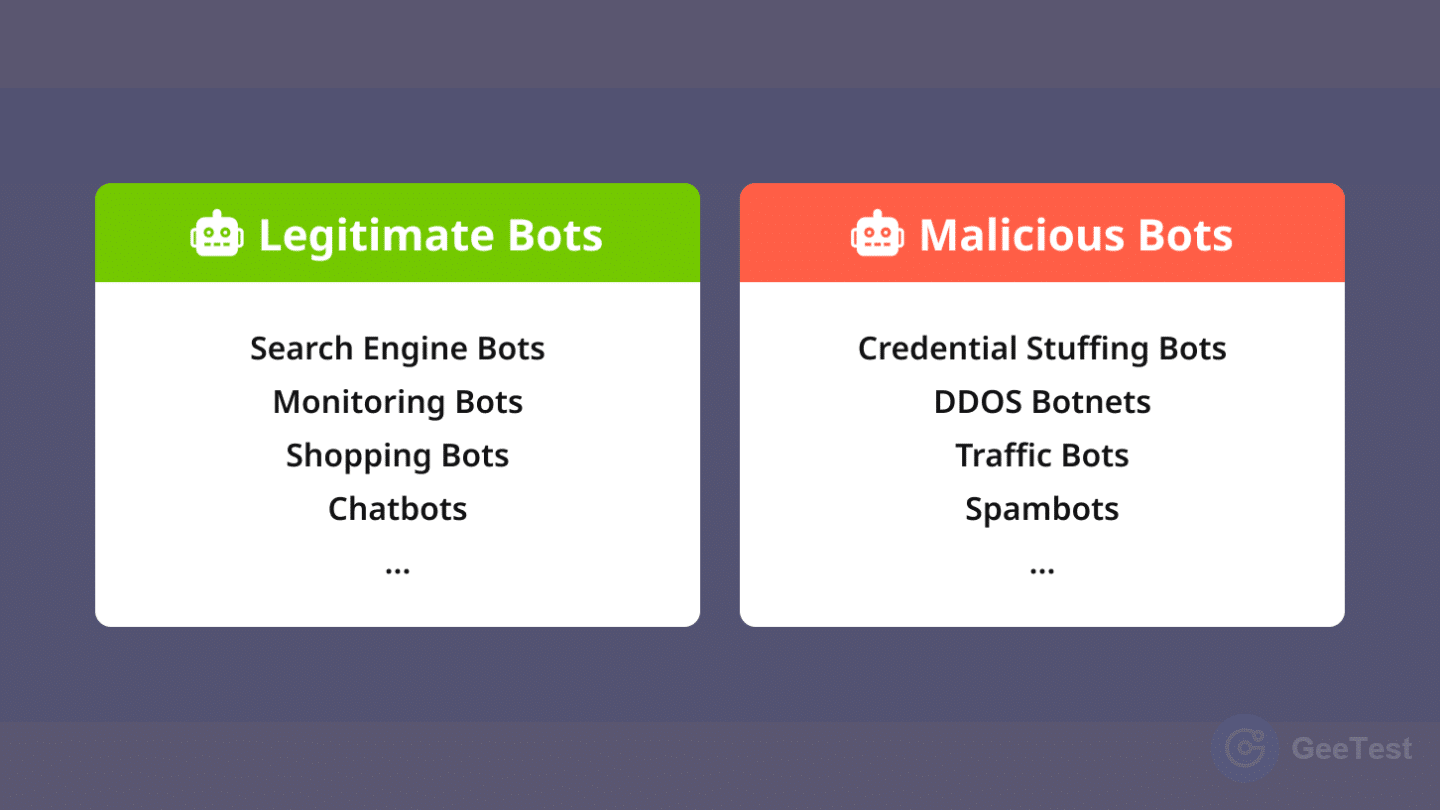
The second question is behavior. A verified crawler can still consume unexpected resources or hit routes a publisher did not intend to expose. An unverified request is not automatically hostile, but it should not inherit privileged treatment. This separation—identity, permission, and observed risk—also applies to modern agent bot defense, where declared automation and real behavior may diverge.
Choose an Allow, Limit, or Block Policy
Start with the business decision. Does the organization want its public material considered for model training? Does it want visibility in AI search? Should a user be able to ask Claude to retrieve a public support page? Which paths contain licensed, metered, personal, sensitive, or high-cost material?
Once those decisions are explicit, translate them into bot-specific directives and edge controls.
1. Block ClaudeBot Across the Site
To signal that the training crawler should not access the site, Anthropic provides this pattern:
“text User-agent: ClaudeBot Disallow: / “
Place the file at the top-level /robots.txt location for each relevant subdomain. Keep the change in version control or another auditable configuration system, name the business owner, and record why the preference exists.
2. Slow or Scope Access Instead
Anthropic also states that it supports the non-standard Crawl-delay extension. A simple example is:
“text User-agent: ClaudeBot Crawl-delay: 1 “
Path-specific Allow and Disallow rules can express finer preferences, but test them carefully. Overlapping or conflicting rules, catch-all directives, a forgotten staging host, or inconsistent files across subdomains can create a policy that no longer matches the business decision; verify the effective result with the target crawler’s documented matching behavior.
The internet standard for the Robots Exclusion Protocol, RFC 9309, defines crawler-facing rules but does not turn robots.txt into authentication or a general authorization layer. Crawl-delay is outside that standard even when a particular provider supports it.
Use robots.txt—Then Enforce at the Edge
robots.txt is the right place to communicate crawler preferences to compliant actors. It is not sufficient for traffic that misrepresents its identity, ignores policy, reaches protected routes, or imposes unacceptable resource cost. Treat it as one layer in a broader control path.
1. Correlate Identity and Source Evidence
At minimum, log the User-Agent, source address, host, path, timestamp, response code, bytes, rule version, cache outcome and action. Compare source evidence with the provider’s current published material. Do not hard-code an allow rule that never expires or silently falls back to “trusted” when verification data is unavailable.
For public content, a verification failure may justify normal anonymous treatment rather than an immediate block. For administrative, account, checkout, search or export routes, the same failure should remove any crawler-specific bypass and invoke the route’s ordinary abuse controls.
2. Apply Behavior and Resource Budgets
Measure request velocity, path breadth, repeat depth, cache miss rate, origin compute cost and error patterns. A crawler that follows policy and stays within a resource budget may need no additional action. Traffic that repeatedly hits expensive search endpoints, ignores excluded paths or rotates identity claims deserves rate limiting, tighter path rules or blocking.
This is where a broader data-harvesting risk model becomes useful. The security objective is not to stop all automated reading. It is to prevent unauthorized extraction, protect operational capacity and preserve legitimate discovery.
Build a Crawler-Control Workflow Around Intent and Risk
An operational workflow keeps crawler governance consistent across security, platform, legal, content and SEO teams.
- Identify: parse the declared bot token and target host/path.
- Verify: correlate the request with current source evidence and configuration.
- Decide: apply the organization’s training, search, retrieval and resource policy.
- Enforce: allow, monitor, limit, challenge an eligible interactive journey, or block.
Every decision should retain a reason, owner, review date and recovery path. That makes emergency exceptions visible and prevents a temporary allow or deny rule from becoming permanent by accident.
1. Separate Crawler Policy from Interactive Verification
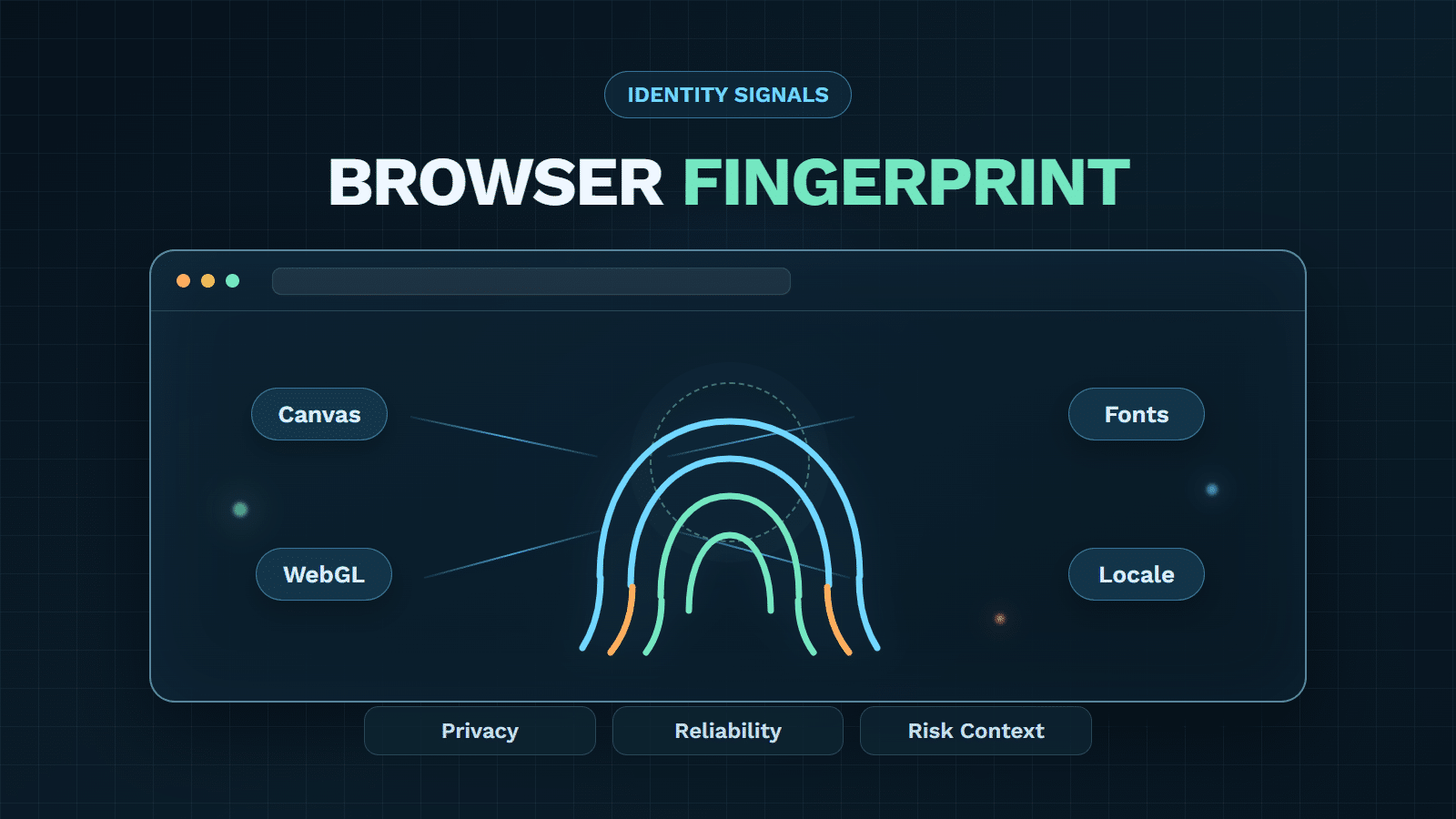
GeeTest fits at the application-risk layer, not as proof that a server belongs to Anthropic. Adaptive CAPTCHA can add selective step-up verification to eligible human-facing flows. Device Fingerprinting can contribute device and environment signals. Business Rules Engine can coordinate responses using business context. These controls should not be inserted blindly into crawler access, and a CAPTCHA is not an identity certificate for ClaudeBot.
Teams evaluating the wider response stack can use the bot management software guide to compare signals, policy controls, false-positive handling and deployment fit. The implementation should preserve access for approved automation while escalating suspicious or policy-breaking behavior.
2. Measure Outcomes and Revisit Exceptions
Track request volume by bot token, source-verification success, denied-path hits, rate-limit events, origin cost, error rates and manual appeals. Add separate monitoring for search visibility and user-directed retrieval if those channels matter to the business.
Review exceptions after provider documentation changes, domain migrations, major content-policy decisions and incidents. A quarterly review is a reasonable default for stable sites; rapidly changing publishers or high-value data services may need shorter cycles.
Assign the measurements to named owners. Platform teams can watch origin load and enforcement health; security teams can investigate identity mismatches and evasion; content or legal owners can set training preferences; SEO teams can monitor discovery effects. A shared review avoids two common failures: a security rule that silently reduces intended visibility, and a visibility exception that grants broader access than the data owner approved.
How GeeTest Turns ClaudeBot Policy Into Risk-Based Protection
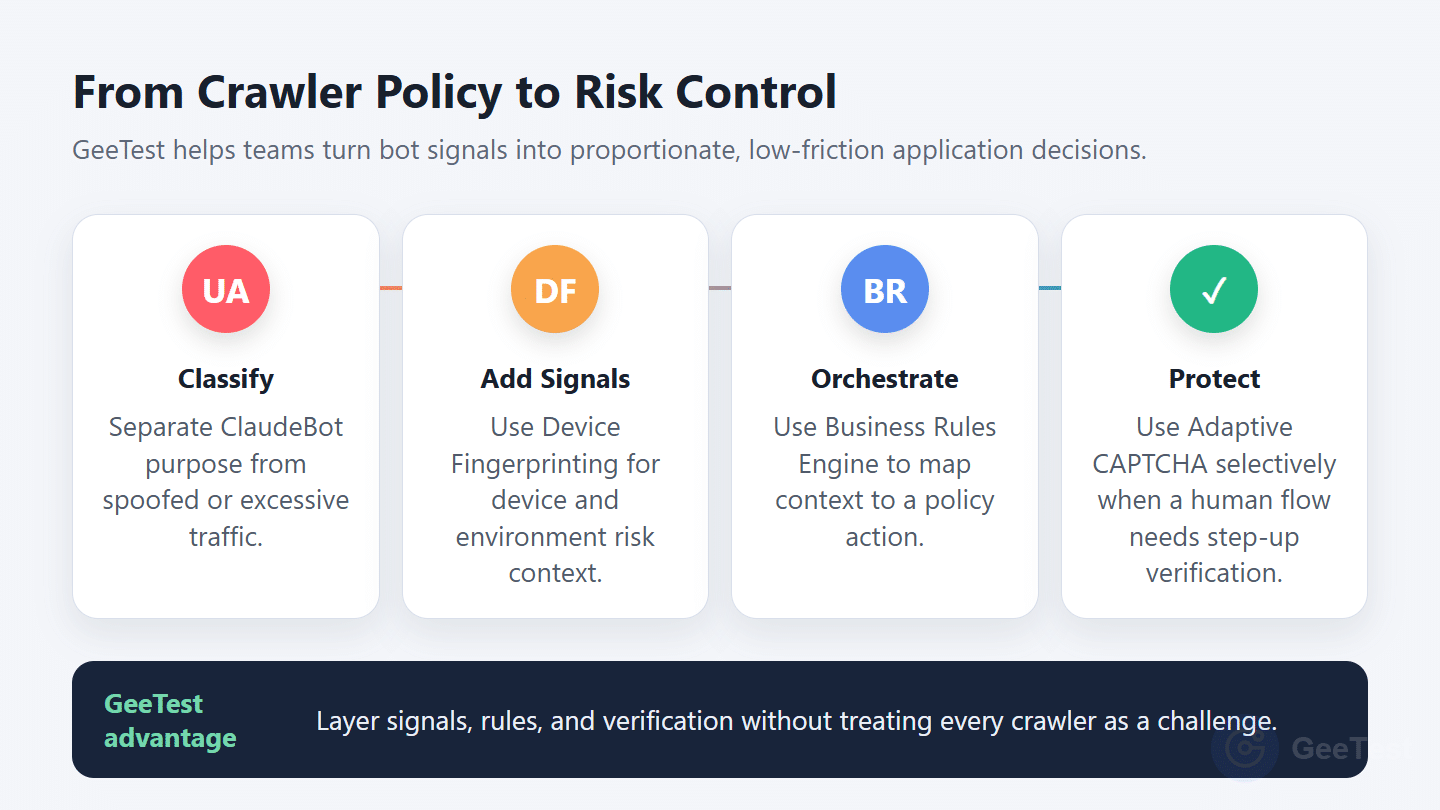
ClaudeBot governance begins with a content and access decision: allow, slow, scope, or block the crawler according to its stated purpose. GeeTest adds the application-layer controls that a robots.txt file cannot provide when traffic reaches account, registration, search, checkout, download, or other high-value journeys. The goal is not to challenge every crawler; it is to keep policy decisions proportional, explainable, and safer for legitimate users.
Here is where GeeTest can help:
- Adaptive CAPTCHA adds selective human verification. GeeTest Adaptive CAPTCHA can distinguish genuine users from automated traffic through behavior analysis, environment detection, and interactive challenges. Its intelligent verification, risk-fusion, and invisible-probe modes let teams choose a visible or background step-up path for the specific application flow instead of putting a blanket challenge in front of all automated requests.
- Device Fingerprinting adds context beyond a bot name. Device-level identity and risk signals can help teams recognize suspicious environments, emulators, VPNs, cloud phones, device-masking tools, and related patterns. This helps separate a normal public crawler request from automation that is also probing an account or transaction flow. It is a risk signal, not proof of Anthropic ownership and not a standalone block decision.
- Business Rules Engine makes the policy operational. Teams can combine crawler purpose, source evidence, route sensitivity, velocity, account context, device signals, lists, counters, and other business inputs in visual rules. That makes it possible to keep public content accessible while applying stricter actions to high-cost or high-risk paths, without hard-coding every policy change into application releases.
- Bot-management operations connect decisions to outcomes. A layered GeeTest deployment can help security, platform, fraud, and growth teams review challenge rates, blocked traffic, false positives, origin impact, and policy exceptions together. This gives each rule an owner, a review date, and a rollback path—important safeguards when crawler behavior or content policy changes.
In practice, GeeTest does not verify that a server belongs to Anthropic, replace Anthropic’s crawler documentation, or turn robots.txt into an access-control system. It complements those controls by adding risk signals, policy orchestration, and selective verification where the business actually needs protection. For organizations managing AI crawlers alongside scraping, account abuse, or automated fraud, that separation keeps crawler governance precise without sacrificing user experience.
FAQ
1. What is ClaudeBot?
ClaudeBot is Anthropic’s web crawler for collecting public content that may contribute to model training. Website owners can express an allow, scope, delay or block preference through robots.txt.
2. Is ClaudeBot the same as Clawdbot or OpenClaw?
No. ClaudeBot is an Anthropic crawler. Clawdbot was the earlier name of the open-source assistant project now known as OpenClaw. Search results may mix the spellings, but the products and policies are different.
3. How do I block ClaudeBot?
Add a User-agent: ClaudeBot group with Disallow: / to the top-level robots.txt file for each subdomain you want to opt out. Keep edge enforcement for spoofed, non-compliant or abusive traffic separate from the robots preference.
4. Does Blocking ClaudeBot Also Block Claude-SearchBot?
No. Anthropic documents separate tokens for training (ClaudeBot), search quality (Claude-SearchBot) and user-directed retrieval (Claude-User). Set a policy for each token based on the outcome the organization wants. —