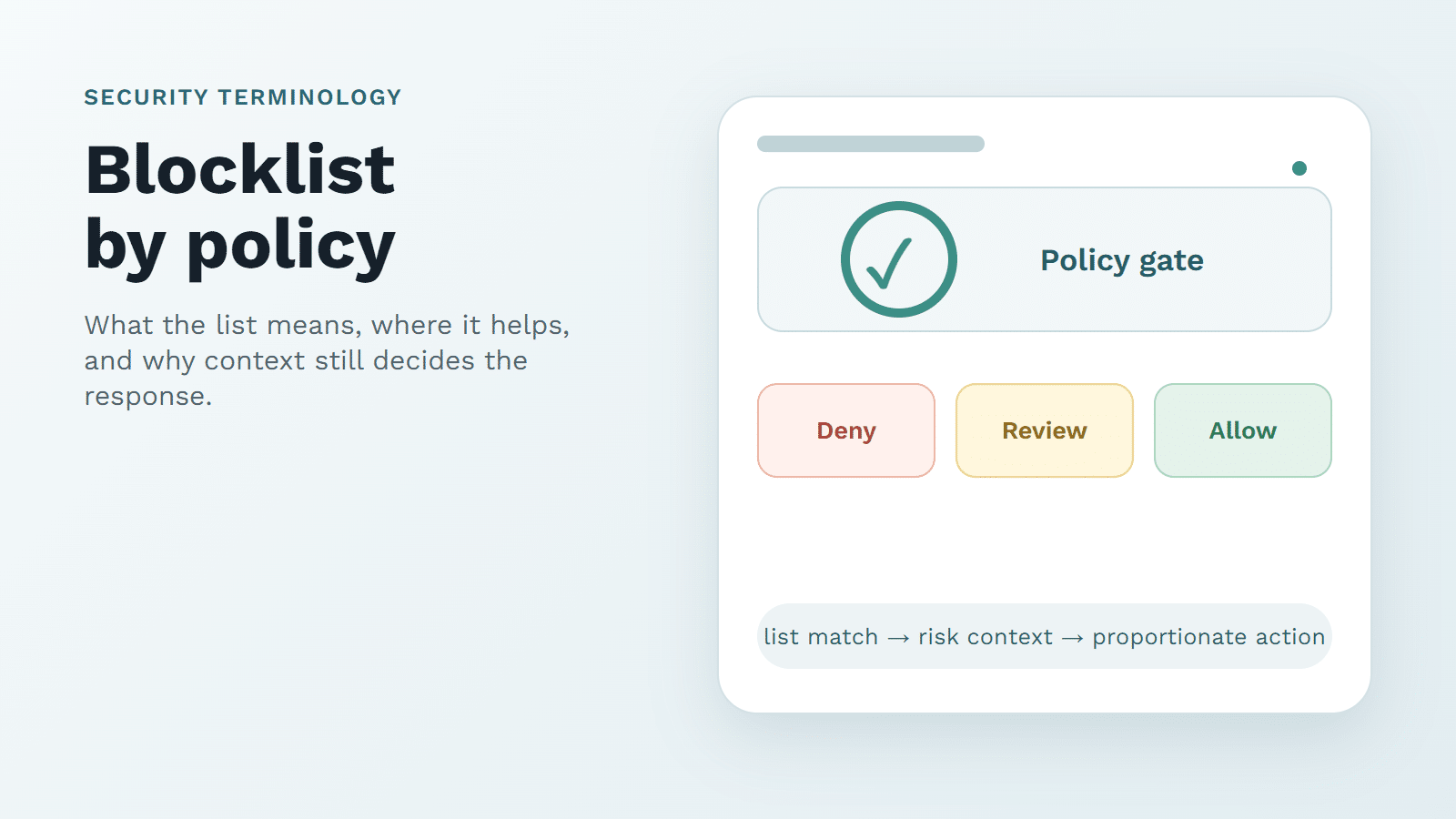

Googlebot is Google’s crawler for finding and fetching pages that may later be considered for Search. That part is simple. The messy part appears in logs, CDN rules, and bot dashboards, where almost any client can write "Googlebot" into a user-agent string.
I would treat the name as a claim, not as proof. SEO teams need verified Google crawling to reach public pages. Security teams need a way to stop lookalike traffic from borrowing a trusted label. A useful policy protects both goals: keep real Googlebot’s path clean, and verify suspicious crawler traffic before granting trust.
What Googlebot Is in Practice
Googlebot is the crawler family Google uses to discover URLs, request page resources, and help Google understand what is available on the web. Crawling is only the fetch step. Indexing, ranking, and search presentation happen later, and a crawled URL is not guaranteed to appear in results.
For site operators, the practical lesson is narrower than many SEO guides make it sound. If important public pages, redirects, canonical tags, rendered content, CSS, or JavaScript cannot be fetched, search troubleshooting becomes harder. If private pages need protection, Googlebot access is not the control to rely on. Use authentication and authorization for anything that should not be exposed.
How Googlebot Crawls and Uses Site Signals
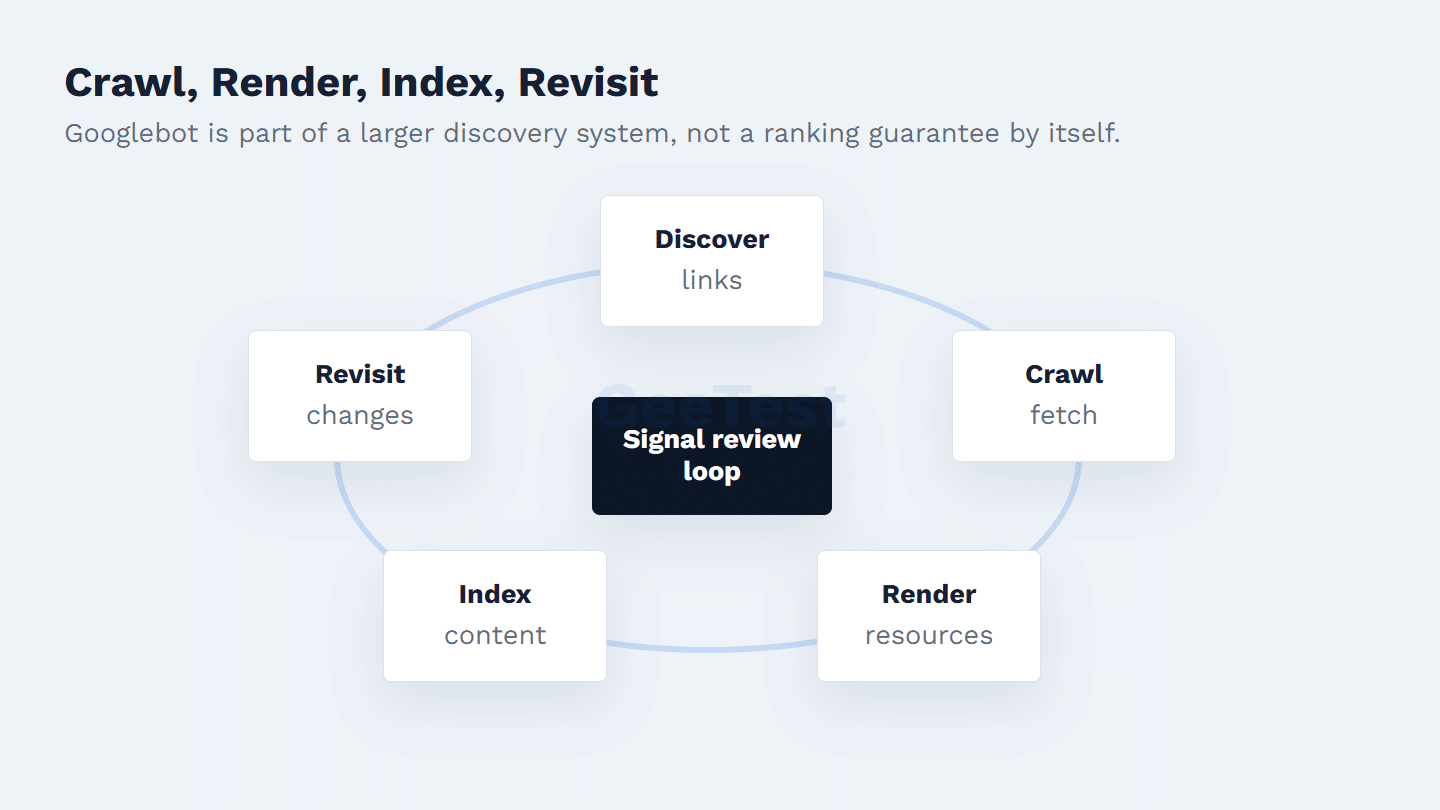
Googlebot can discover URLs from links, sitemaps, previously known URLs, and other Google systems. Site owners can guide compliant crawling with robots.txt; Google’s robots.txt documentation is the right reference for syntax and behavior.
The boundary is worth spelling out because it causes real mistakes. Robots.txt is a crawl instruction for cooperative crawlers. It is not a privacy wall. A page blocked from crawling may still need access control if the content is sensitive, and a malicious crawler can ignore the file completely.
From an SEO operations view, check whether Googlebot can fetch the resources that matter for interpretation. From a security view, check whether the request is touching the kind of path Googlebot should touch at all. A public article and an account-recovery endpoint do not deserve the same crawler policy.
How to Verify Real Googlebot
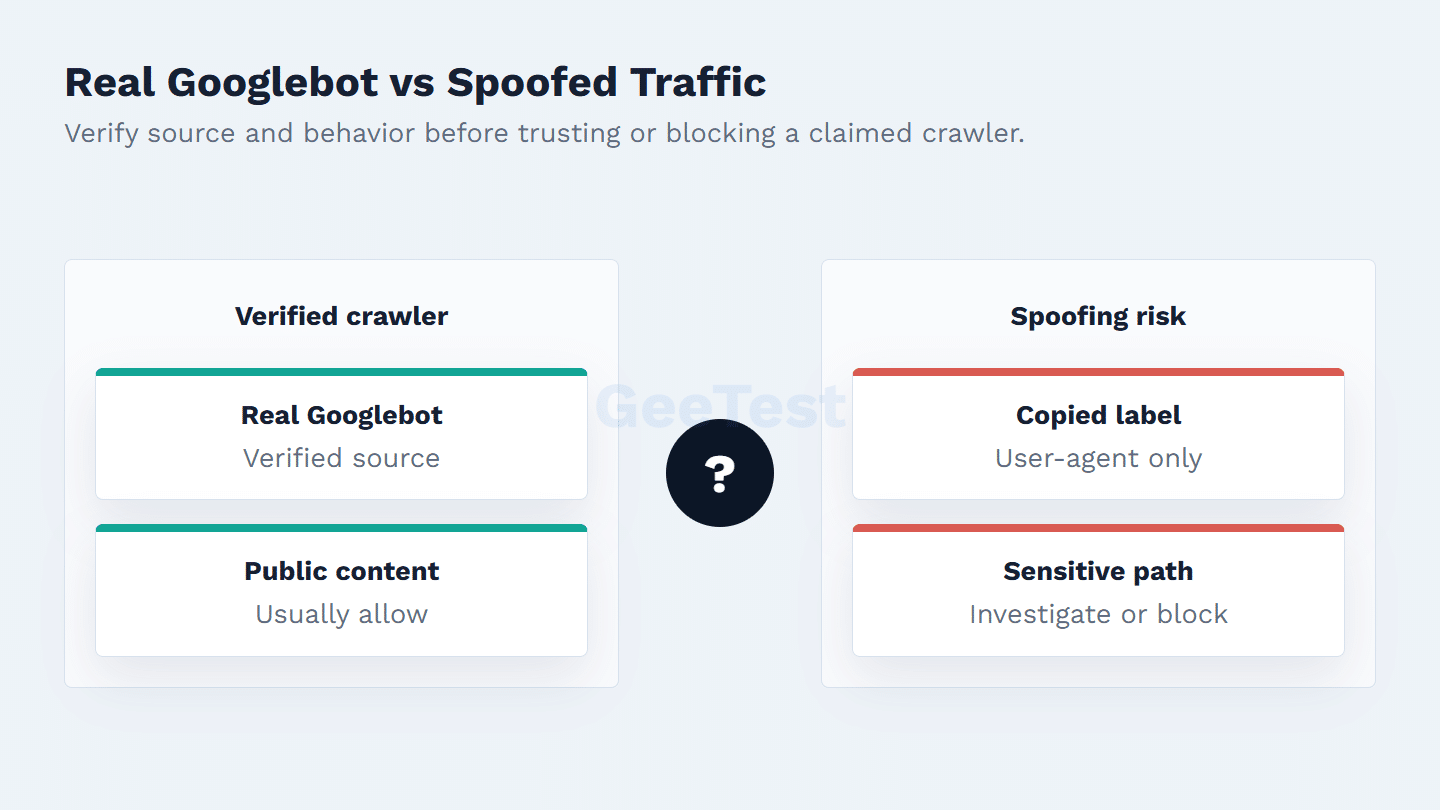
The user-agent is the weakest signal in the chain. It is useful for routing a first look, but it is still client-declared text. If a request claims to be Googlebot, compare it with Google’s crawler verification guidance and the current Google-published methods, such as DNS-based verification or Google IP range checks where appropriate.
Behavior should also fit the claim. Verified Googlebot normally works on crawlable public content and follows recognizable fetch patterns. Traffic that uses a Googlebot label while hammering login, checkout, coupon, export, or account pages deserves a security review. The point is not to punish real search crawlers; it is to avoid letting a familiar name become a bypass.
A practical verification runbook can stay short. First, keep raw request data long enough to inspect source IP, hostname, requested path, status code, user-agent, and rate. Second, verify the source using Google’s current documented method rather than a copied allowlist from an old ticket. Third, compare the path with the site’s crawler policy: public HTML, resources, and sitemaps are different from login, account, checkout, coupon, or export flows. Finally, record the decision as allow, slow, block, or investigate so SEO and security teams can revisit it later.
When Crawler Traffic Becomes a Security Question
Crawler handling is not one rule. Googlebot, Bingbot, SEO tools, uptime monitors, AI crawlers, partner integrations, and unknown automation all have different business value and different risk. A site can allow verified search crawlers, slow optional commercial crawlers, disallow expensive low-value sections, and block automation that ignores policy or probes sensitive paths.
One common failure mode is a rule that says "good bots are allowed" without defining how the bot is verified. Another is an overreaction that blocks every crawler-like request and later damages indexing or monitoring. A better register records the crawler name, source-of-record documentation, verification method, owner, allowed paths, disallowed paths, expected rate, and escalation contact.
GeeTest’s role fits around that policy layer. Device and behavior signals can help separate ordinary crawler access from suspicious automation. For sensitive user-facing actions, risk-based verification and bot mitigation should be tied to the action being attempted, not only to a claimed crawler name.
Practical Policy for Site Teams
Start with the path, not the bot label. Public indexable pages should be reachable by verified Googlebot. Private content should require real access control. Expensive public pages may need caching, crawl-rate review, or edge rules. Login, checkout, review submission, coupon redemption, account recovery, and data export paths should be treated as abuse-sensitive flows.
When traffic says "Googlebot" but behaves oddly, do not jump straight to a global block. Verify the source, inspect the path, compare the pattern with normal crawl behavior, and decide whether the response should be allow, slow, block, or investigate. That workflow gives SEO, engineering, and security a shared audit trail instead of a brittle exception list.
It also helps to name ownership. SEO should own indexing impact, sitemaps, canonical errors, and crawl diagnostics. Security should own spoofing risk, sensitive-path access, abuse signals, and escalation rules. Engineering should own logging, edge configuration, cache behavior, and rollback paths. Without that split, crawler exceptions often become one-off firewall rules that nobody wants to remove.
Review the policy after migrations, new international sites, major robots.txt edits, CDN changes, and traffic anomalies. A crawler rule that was safe for a brochure site may become unsafe after the same domain adds account features, coupon flows, or public APIs. Good crawler governance is not about distrusting Googlebot; it is about refusing to trust a label until the request has been checked in context.
Keep the runbook visible to support teams as well, because users often report crawler-related blocks as indexing, login, or checkout problems before anyone calls them bot-policy issues.
FAQ
1. Should I block Googlebot?
Usually no, not for public pages you want eligible for Google Search. Restrict private or sensitive content with server-side controls rather than relying on crawler directives alone.
2. Can bots pretend to be Googlebot?
Yes. Any client can copy a Googlebot user-agent string. Verify the source with Google’s recommended methods before trusting the request.
3. Does robots.txt stop malicious bots?
No. Robots.txt guides cooperative crawlers. Malicious bots can ignore it, so sensitive pages need authentication, authorization, monitoring, and abuse controls.