
There is a small trap in the phrase CAPTCHA options. It sounds as if the team is shopping for a widget. Usually it is shopping for a policy without calling it that.
Someone still has to decide which sessions pass quietly, which ones get challenged, which ones need a step-up check, and which ones should be blocked or reviewed. If that decision is left until after launch, even a good tool can look poor, because the business has not decided what good traffic and bad traffic look like on each flow.
So the useful question is not “Which CAPTCHA is best?” It is more specific: which verification model fits this user flow, this abuse pattern, and this level of acceptable friction?
Short answer: choose CAPTCHA options by user flow, bot risk, privacy requirements, friction tolerance, and the amount of control your team needs over risk scoring, fallback actions, and post-launch tuning.
Match CAPTCHA Options to the Risk of Each User Flow
The first page to review is not the vendor pricing page. It is the list of places where strangers can touch the product: forms, signup, login, password reset, checkout, maybe a promo redemption page.
Some of those pages can live with a little noise. Some cannot. A support form that collects spam is annoying; a password reset flow that lets attackers test accounts is a different problem. A checkout that challenges everyone during a campaign can become its own incident.
That is why the first pass should be deliberately plain. Write down the flow, the abuse pattern, the business owner, and the amount of friction the team can accept. Only then compare reCAPTCHA, Turnstile, hCaptcha, invisible checks, proof-of-work, or adaptive CAPTCHA. The order matters. If the vendor discussion comes first, the team tends to force every flow into the shape of the selected tool.
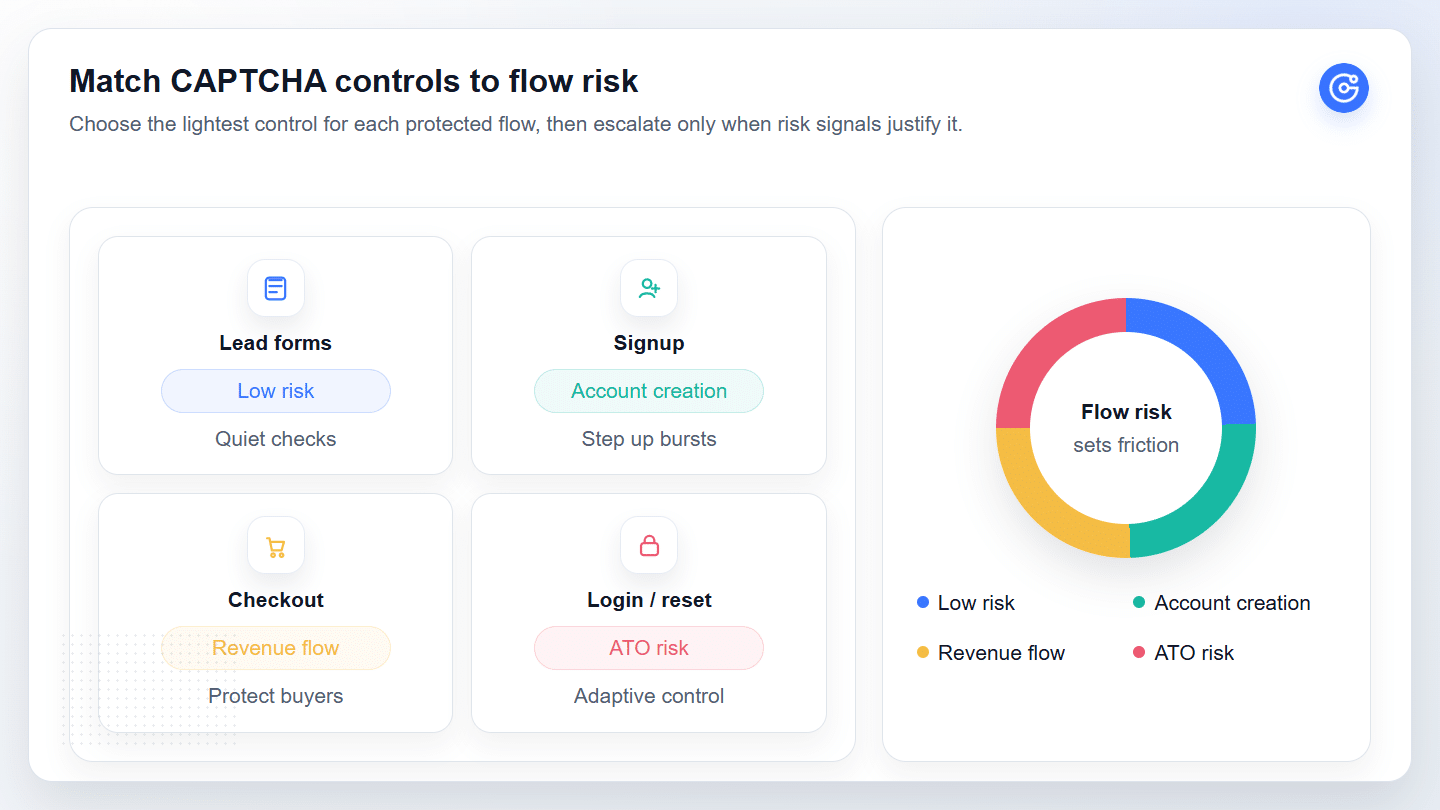
| User Flow | Common Abuse Pattern | Friction Budget | Best Starting Control | What to Monitor |
|---|---|---|---|---|
| Newsletter, contact, survey, and support forms | Spam submissions, junk leads, scraper noise | Very low | Honeypot, backend spam filtering, rate limits, light invisible check | Completion rate, spam volume, junk lead quality |
| Signup and trial registration | Fake accounts, promo abuse, scripted registration bursts | Low to medium | Risk scoring, adaptive challenge, velocity controls | Fake-account rate, signup completion, repeated device patterns |
| Login and password reset | Credential stuffing, account takeover probing, reset abuse | Medium, with fallback | Step-up verification, device/risk signals, account protection rules | Failed login bursts, recovery tickets, known-user failures |
| Checkout and payment | Card testing, promo abuse, payment automation | Low for clean users, high for suspicious sessions | Adaptive verification and risk-based bot protection | Abandonment, payment abuse, false positives, support impact |
Low-Risk Forms Need Minimal Friction
Low-risk forms should not carry the same burden as account access or payment flows. If the form collects newsletter signups, support requests, or survey answers, begin with quiet controls: honeypot fields, backend spam filters, email validation, rate limits, or a light invisible check.
That does not mean nobody watches the flow. Form completion, spam volume, repeated device patterns, and junk lead quality still need to be reviewed. If spam rises, tighten the control. If abandonment rises after a challenge appears, step back and find a quieter layer.
The mistake is treating friction as free. It is not. Every extra task is a small tax on a legitimate user, and low-risk forms rarely deserve a heavy tax.
Compare the Main CAPTCHA Options Available Today
The market looks crowded, but most options fit into a few working patterns.
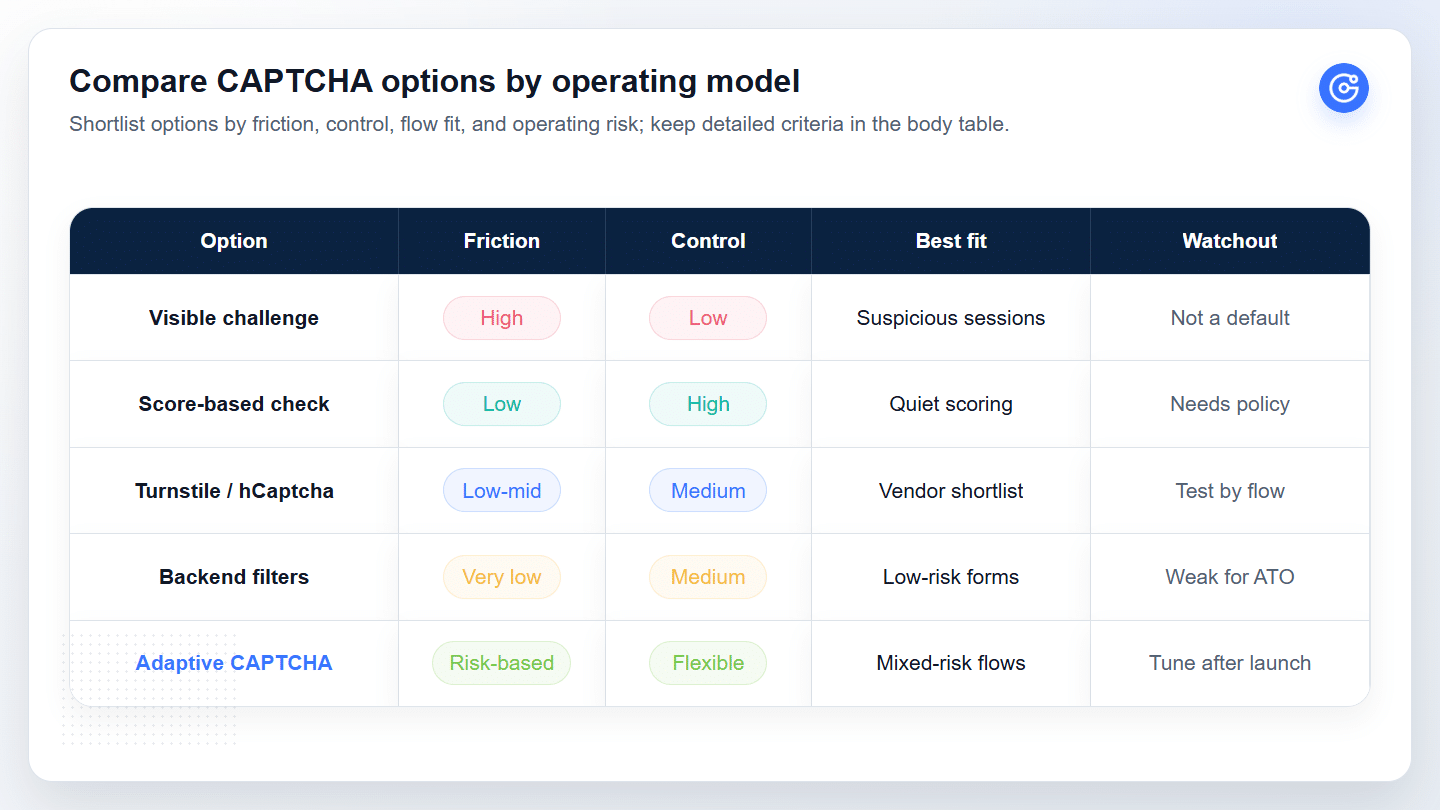
| CAPTCHA Option | Typical Friction | Team Control Needed | Best Fit | Watchout |
|---|---|---|---|---|
| reCAPTCHA v2 / visible challenge | High | Low to medium | Clear step-up when a session is already suspicious | Can hurt mobile, checkout, accessibility, and completion rate |
| reCAPTCHA v3 / score-based checks | Low | High | Quiet scoring for flows where the team can define thresholds | A score is not a policy; teams still need fallback and review |
| Cloudflare Turnstile | Low | Medium | Low-friction replacement shortlist when infrastructure fit is clear | Still needs reporting, fallback, compliance, and operations review |
| hCaptcha | Medium | Medium | Teams prioritizing privacy posture, challenge model, or vendor preference | The challenge experience and data handling need flow-level testing |
| Honeypot, proof-of-work, backend filters | Very low | Medium | Simple spam control on low-risk forms | Weak fit for account access, payment abuse, or coordinated attacks |
| Adaptive CAPTCHA / risk-based verification | Risk-based | High, but more flexible | Signup, login, reset, checkout, and mixed-risk flows | Requires policy design, monitoring, and post-launch tuning |
Use this table as the shortlist filter. Visible challenges are fallback actions, reCAPTCHA v3 and other score-based checks need policy ownership, and adaptive CAPTCHA fits uneven-risk flows where clean users and suspicious sessions should not receive the same treatment.
Challenge-Based CAPTCHA Still Has a Narrow Role
Visible challenges still work as a step-up action for suspicious sessions. They become risky when used as the default on mobile checkout, account recovery, or any flow where legitimate users have little patience for extra work.
Invisible and Risk-Score Checks Reduce Friction but Need Controls
Invisible and score-based checks reduce visible friction only when the team defines thresholds, fallback paths, review owners, and rollback rules before launch.
Evaluate CAPTCHA Options With Security, Service, and UX Criteria
Once the flows are clear, the vendor comparison becomes less abstract. The team can ask better questions.
Security strength matters, but it should not be measured only by how aggressively a tool blocks traffic. A useful evaluation asks what kind of abuse the option handles, how often legitimate users are challenged, what the team can see in reporting, and whether the vendor can help after launch.
The service question is often underweighted. Enterprise security products are not bought once and forgotten. Attackers test them. Business flows change. A campaign may bring a traffic spike that looks suspicious. A rule that worked last quarter may create false positives this quarter.
Before selecting a provider, ask who helps with deployment, who investigates when challenge rates change, and whether technical specialists can help tune the policy. If the answer is vague, treat that as a risk.
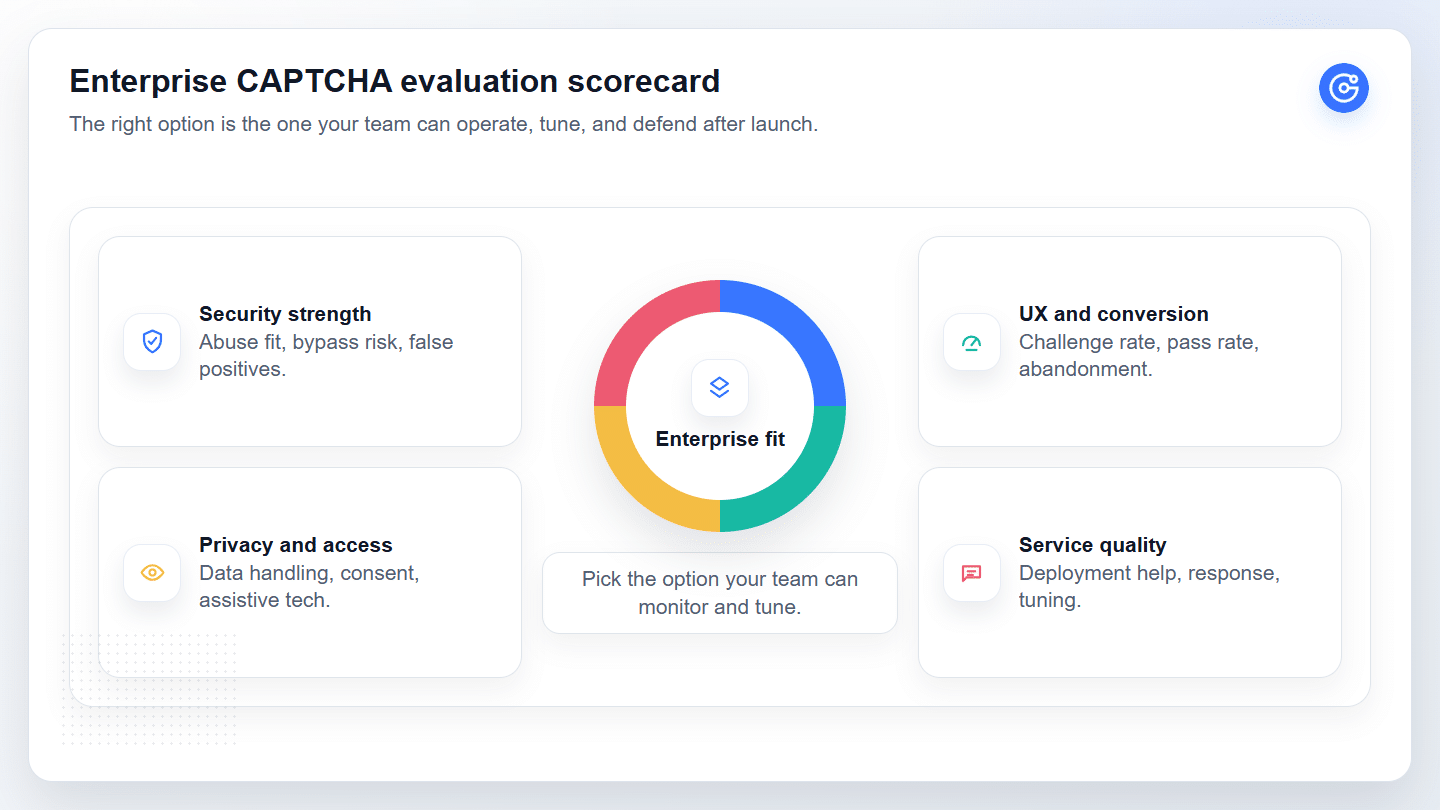
| Evaluation Area | What to Ask | Pass Signal | Risk Signal |
|---|---|---|---|
| Security fit | Which abuse patterns can the option handle on this exact flow? | Clear fit for spam, fake signup, credential stuffing, or payment abuse | Generic "stops bots" claim without flow-level proof |
| UX and conversion | How often will legitimate users see friction? | Challenge rate and abandonment can be measured by flow | Vendor cannot separate clean traffic from suspicious traffic clearly |
| Privacy and accessibility | What data is processed and can all users complete verification? | Legal/accessibility review can be completed before launch | Data handling or fallback route is unclear |
| Reporting and tuning | Can the team review outcomes and adjust policy after launch? | Dashboard, thresholds, logs, and support workflow exist | Policy changes require slow engineering work or vendor guessing |
| Service quality | Who helps when attack patterns change? | Named technical support and post-launch tuning process | Support is limited to generic setup documentation |
Security Strength Must Include False-Positive Risk
False positives do not stay inside the security dashboard. On the wrong flow, they show up as lost revenue, locked-out users, support workload, and internal doubt about the control.
Before rollout, decide how the team will read the cost of a challenge. On login, that may mean account recovery tickets and repeated failures from known users. On checkout, it may mean abandonment after verification appears. On signup, it may mean comparing fake-account reduction with completion rate.
If the option cannot help the team see those outcomes, the team is partly guessing.
Enterprise Service Quality Determines Long-Term Fit
For SaaS buyers, the product interface is only part of the purchase. The team is also buying response speed, deployment guidance, customization, and post-launch tuning.
This is where a standardized tool can feel good in procurement and awkward in production. One company may need strict login protection but a light touch on lead forms. Another may need different treatment by region, campaign, or traffic source. A third may need help during an attack because the first configuration is no longer enough.
The stronger model is modular but service-led: standard capabilities that can be deployed quickly, then shaped around the company’s actual flows by people who understand the technical problem.
Privacy and Accessibility Are Buying Criteria, Not Side Notes
Privacy and accessibility need to be reviewed before the challenge reaches production traffic.
For privacy, check what data is processed, where it is sent, whether consent language changes, and whether legal review is needed for your markets. For accessibility, test assistive technologies, mobile devices, browser differences, and fallback routes. These checks are not paperwork. They decide whether legitimate users can finish the flow.
If a real user cannot complete verification, the control has failed part of its job.
Choose the Right Option for Signup, Login, Checkout, and Forms
After the criteria are clear, choose by flow rather than by brand preference.
| Flow | Default Posture | Stronger Control Trigger | Recommended Next Action |
|---|---|---|---|
| Lead form | Keep verification quiet | Spam volume or junk lead quality rises | Add invisible check, rate limit, or backend filter |
| Signup | Balance abuse reduction and completion | Fake accounts, trial abuse, promo abuse | Add adaptive challenge for suspicious sessions |
| Login | Protect accounts without challenging everyone | Velocity spikes, repeated failures, risky devices | Use step-up verification and account protection logic |
| Password reset | Protect recovery while preserving fallback | Reset abuse, enumeration attempts, suspicious geography | Add risk-aware verification and a reliable recovery route |
| Checkout | Avoid broad friction | Card testing, promo abuse, suspicious payment behavior | Challenge risky sessions and monitor abandonment closely |
Lead forms usually deserve the lightest touch. Start with quiet spam controls and measure completion. Add a stronger check only when spam quality or automation volume justifies it.
Signup is different. Fake accounts, promo abuse, and trial abuse can become expensive, but normal visitors should not feel the same friction as a scripted registration burst. Invisible checks and adaptive challenges are useful here because the policy can stay quiet until the session looks wrong.
Login needs risk awareness. Credential stuffing often shows up through velocity, repeated failures, suspicious devices, or unusual geographies. The policy should step up suspicious sessions without turning every login into a challenge.
Password reset deserves extra care because real users arrive there when they are already frustrated. Attackers may abuse the flow, but the fallback still needs to work for legitimate users.
Checkout is the most sensitive. Protect risky sessions, but preserve clean ones. If a CAPTCHA creates broad checkout friction, the business may lose more than it saves.
Signup and Lead Forms Should Prioritize Spam Control and Completion Rate
Signup and lead forms sit close to growth metrics, so heavy verification should be used with restraint.
A reasonable rollout is layered. Start with quiet filters. Add risk scoring for suspicious patterns. Use a visible challenge only when the session deserves it. Then review both sides of the result: did fake signups fall, and did legitimate completion stay stable?
Before expanding the policy, compare fake-signup reduction against completion rate and review workload. A control that blocks abuse but creates a new manual review queue still needs tuning.
Login, Password Reset, and Checkout Require Stronger Abuse Signals
Login, reset, and checkout flows carry more business risk. A basic anti-spam tool is not enough when the abuse pattern is credential stuffing, account takeover, or payment fraud.
Here, the team should care less about whether the CAPTCHA looks simple and more about whether the system can adapt. Can it treat a familiar returning user differently from a suspicious burst? Can it challenge a risky session without punishing everyone? Can it give the fraud or security team enough evidence to tune the policy?
If the answer is no, the company may need broader bot protection for high-risk flows rather than a standalone CAPTCHA widget.
Implement CAPTCHA Without Creating Conversion Loss
Implementation decides whether the chosen option works in practice.
Before launch, document five things: the protected flows, the risk thresholds, server-side validation, the fallback path, and the metrics the team will review after release. If any of those are missing, the rollout is not ready. Teams moving from selection to deployment can also use a practical guide to add CAPTCHA to a website as a technical checklist.
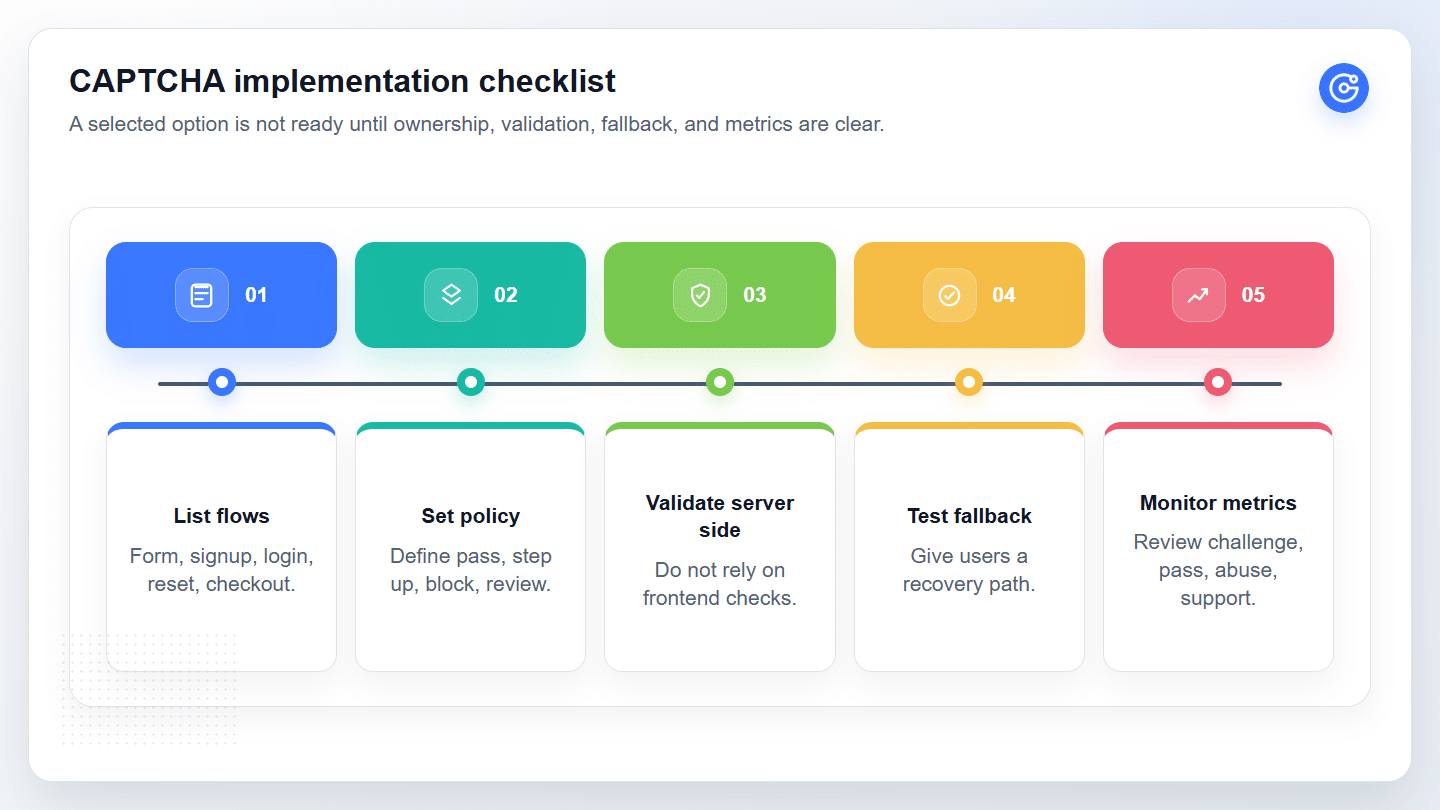
| Implementation Check | Owner | Why It Matters |
|---|---|---|
| Protected flows are listed | Product + Security | Prevents one generic CAPTCHA policy from being applied everywhere |
| Risk thresholds are defined | Security/Fraud | Converts score or signal data into an actual decision policy |
| Server-side validation is implemented | Engineering | Reduces bypass risk from frontend-only checks |
| Fallback path is tested | Product + Support | Keeps legitimate users from being trapped by verification failure |
| Monitoring metrics are live | Growth + Security | Shows whether abuse falls without unacceptable conversion loss |
Server-side validation matters because frontend-only checks are easier to bypass. Fallbacks matter because good users sometimes fail a challenge. Metrics matter because the first policy is rarely the best one.
At a minimum, review challenge rate, pass rate, abandonment, abuse outcome, and support impact. The numbers do not need to be perfect on day one. They do need to exist.
Set Challenge Thresholds Before Deployment
Do not wait until after launch to decide what a risk score means.
A simple starting policy might allow low-risk sessions, step up medium-risk sessions, block or review high-risk sessions, and give unknown sessions a fallback path. The exact thresholds should come from the flow, not from a vendor default alone.
Teams should also agree on who can change the policy. If every threshold update requires a slow engineering release, the system will be hard to tune during an attack.
Monitor Challenge Rate, Pass Rate, and Abandonment After Launch
The first week after rollout is where the team learns the most. Watch challenge rate and pass rate daily. Compare abandonment before and after the change. Ask support whether blocked-user complaints changed. Review abuse signals with fraud or security.
If the challenge rate rises but abuse does not fall, the policy is probably too broad. If abuse falls but completion collapses, the control may be too aggressive. If both improve, document what changed and keep the baseline for the next attack.
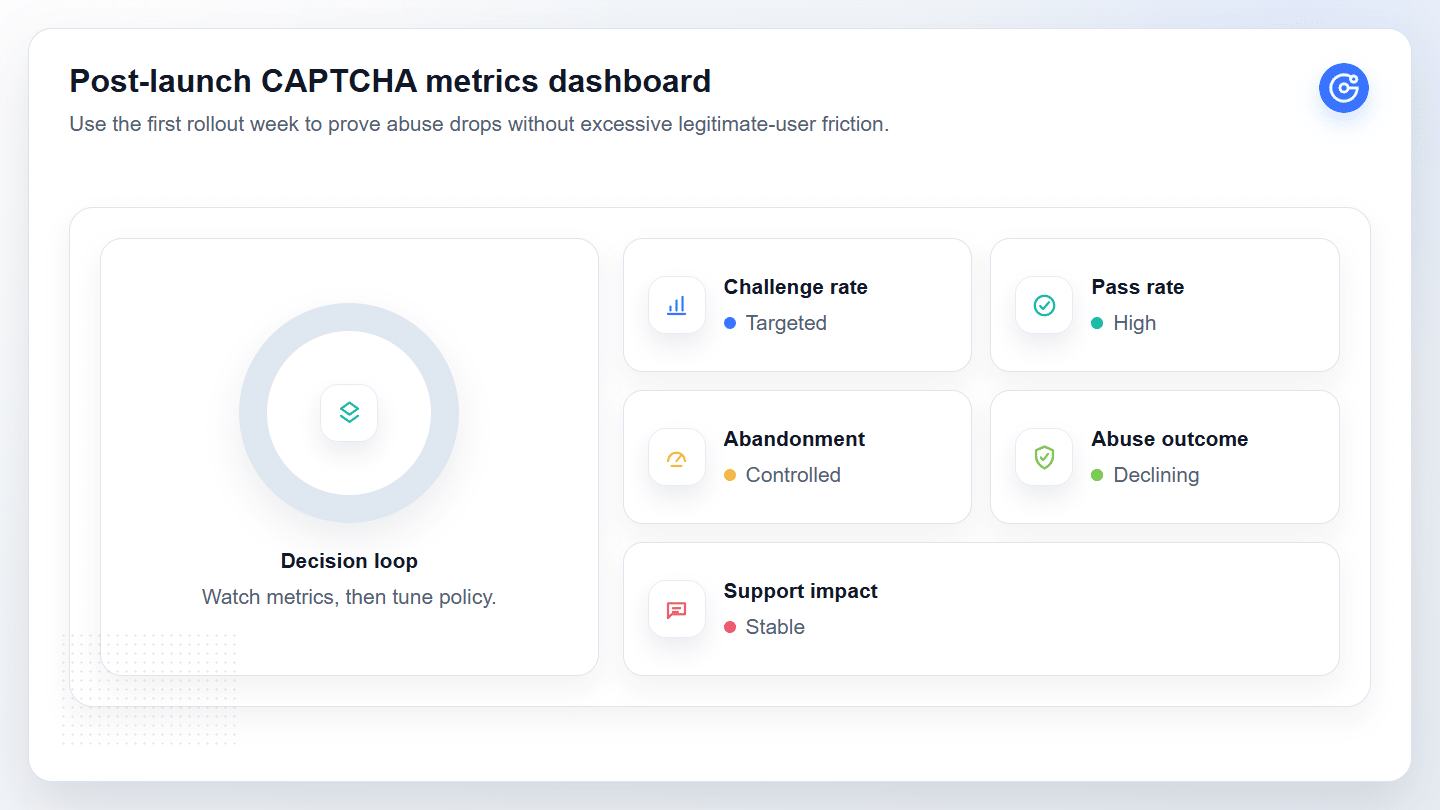
| Metric | Healthy Direction | What It Tells the Team |
|---|---|---|
| Challenge rate | Stable or limited to suspicious traffic | Whether the policy is over-triggering |
| Pass rate | High for legitimate users | Whether real users can complete verification |
| Abandonment after challenge | Flat or lower than risk-adjusted tolerance | Whether friction is damaging conversion |
| Abuse outcome | Lower fake signup, spam, ATO, or checkout abuse | Whether the control is solving the real problem |
| Support impact | No spike in blocked-user complaints | Whether false positives are hurting legitimate users |
Move From Basic CAPTCHA to Adaptive Bot Protection
Basic CAPTCHA is useful when the problem is simple. It becomes too blunt when risk changes by flow, traffic source, user history, or attack pattern.
Adaptive bot protection fits teams that need more control. Instead of applying the same verification to every visitor, the policy can change by risk. Clean sessions move with less friction. Suspicious sessions face stronger checks. The team can review results and tune the model after launch.
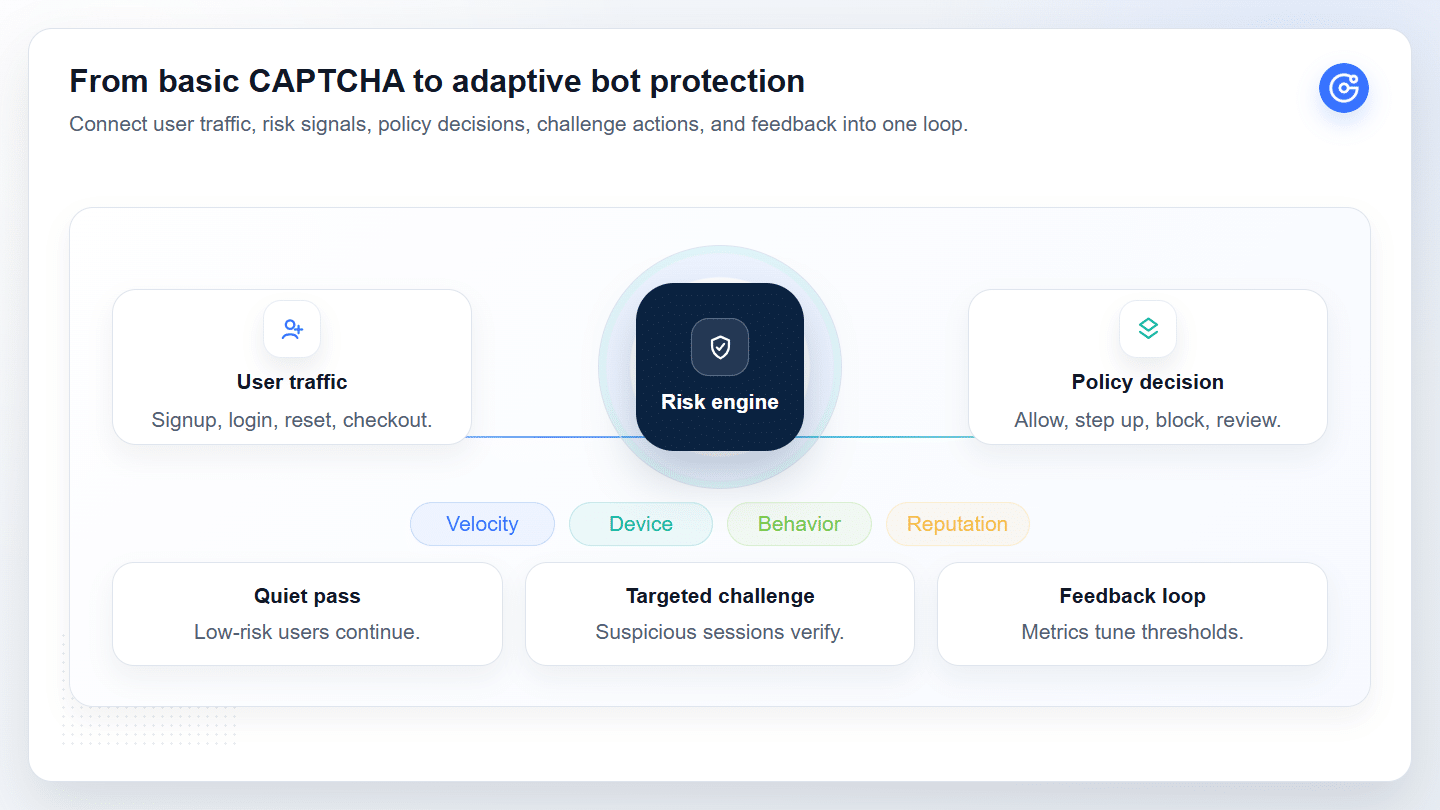
Common triggers for moving beyond basic CAPTCHA include repeated signup abuse, credential stuffing, checkout attacks, high false positives, limited reporting, or a vendor setup that cannot be adjusted quickly.
Adaptive Verification Fits Teams That Need Flow-Level Control
Flow-level control is the real value. A business may want light protection on a contact form, stronger verification on login, a different fallback on password reset, and careful friction control on checkout.
That requires more than a challenge. It requires policy design, risk signals, monitoring, and support. It may also involve signals such as device fingerprinting when a team needs broader context than a single challenge result can provide.
Where GeeTest Fits in an Enterprise CAPTCHA Stack
GeeTest is most relevant when a team is evaluating CAPTCHA as part of a broader bot protection and verification strategy. The fit is strongest for businesses that need low-friction verification, flow-level policy control, technical support during deployment, and tuning after attack patterns change.
If your team is comparing CAPTCHA options for high-risk flows, GeeTest can help assess where basic CAPTCHA is enough, where adaptive verification is needed, and how to reduce abuse without adding unnecessary friction.
FAQ: CAPTCHA Options for Enterprise Teams
1. What Are the Main CAPTCHA Options for Businesses?
The main CAPTCHA options include reCAPTCHA v2, reCAPTCHA v3, reCAPTCHA Enterprise, Cloudflare Turnstile, hCaptcha, proof-of-work checks, honeypots, invisible verification, and adaptive CAPTCHA. For enterprise use, compare them by flow risk, friction, privacy, accessibility, reporting, and service support.
2. Is Cloudflare Turnstile a Full Replacement for reCAPTCHA?
Cloudflare Turnstile can replace reCAPTCHA for some teams, especially when they want a low-friction verification experience and the infrastructure fit is clear. It should still be reviewed against fraud operations, reporting, compliance, fallback controls, and support requirements.
3. When Should Teams Choose Adaptive CAPTCHA Over reCAPTCHA?
Teams should evaluate adaptive CAPTCHA when they need flow-level policies, lower friction for trusted users, and post-launch tuning across signup, login, checkout, or password reset. reCAPTCHA can still fit basic checks, but GeeTest Adaptive CAPTCHA is a stronger enterprise fit when teams need risk-based verification, business rules, device and behavior signals, and support to reduce abuse without challenging everyone.
4. When Should a Business Move From CAPTCHA to Bot Management?
A business should consider bot management when basic CAPTCHA cannot handle repeated attacks, creates too many false positives, lacks reporting, or cannot adapt by flow. Common triggers include fake-account creation, credential stuffing, account takeover attempts, checkout abuse, and conversion loss from excessive challenges.